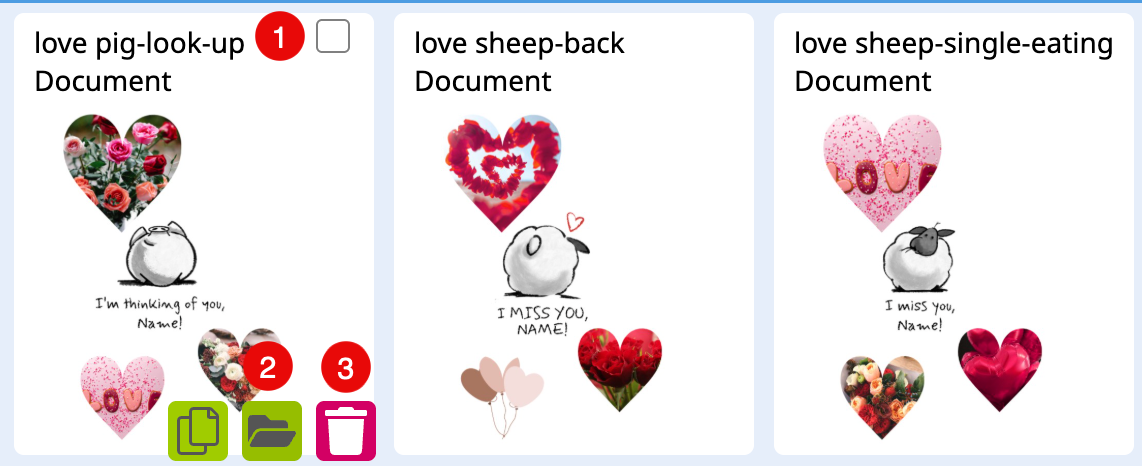
In this Menu you can search and filter all the Layout Snippets available at your Account. This helps you to identify the ID of any of these Layout Snippets.
As soon as you start to type in a Tag’s name a drop down menu will open with all matching Tags. Here you can now choose the Tag you would like to use.
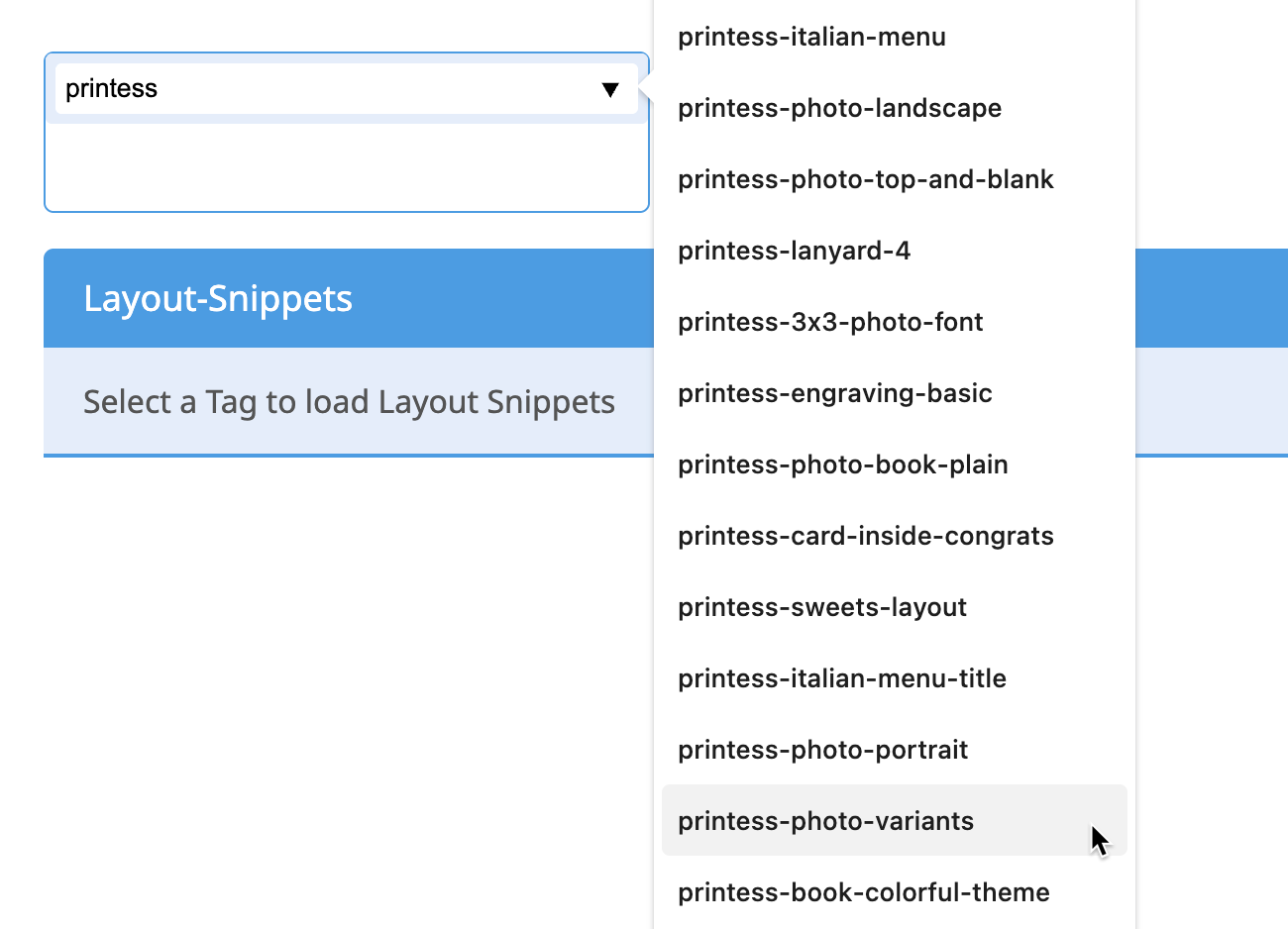
You can add as many Tags as you like. In addition you can type in Keywords in a next step. In the third text input file you can type in a name. You get all Layout Snippets displayed which are matching your filtering.
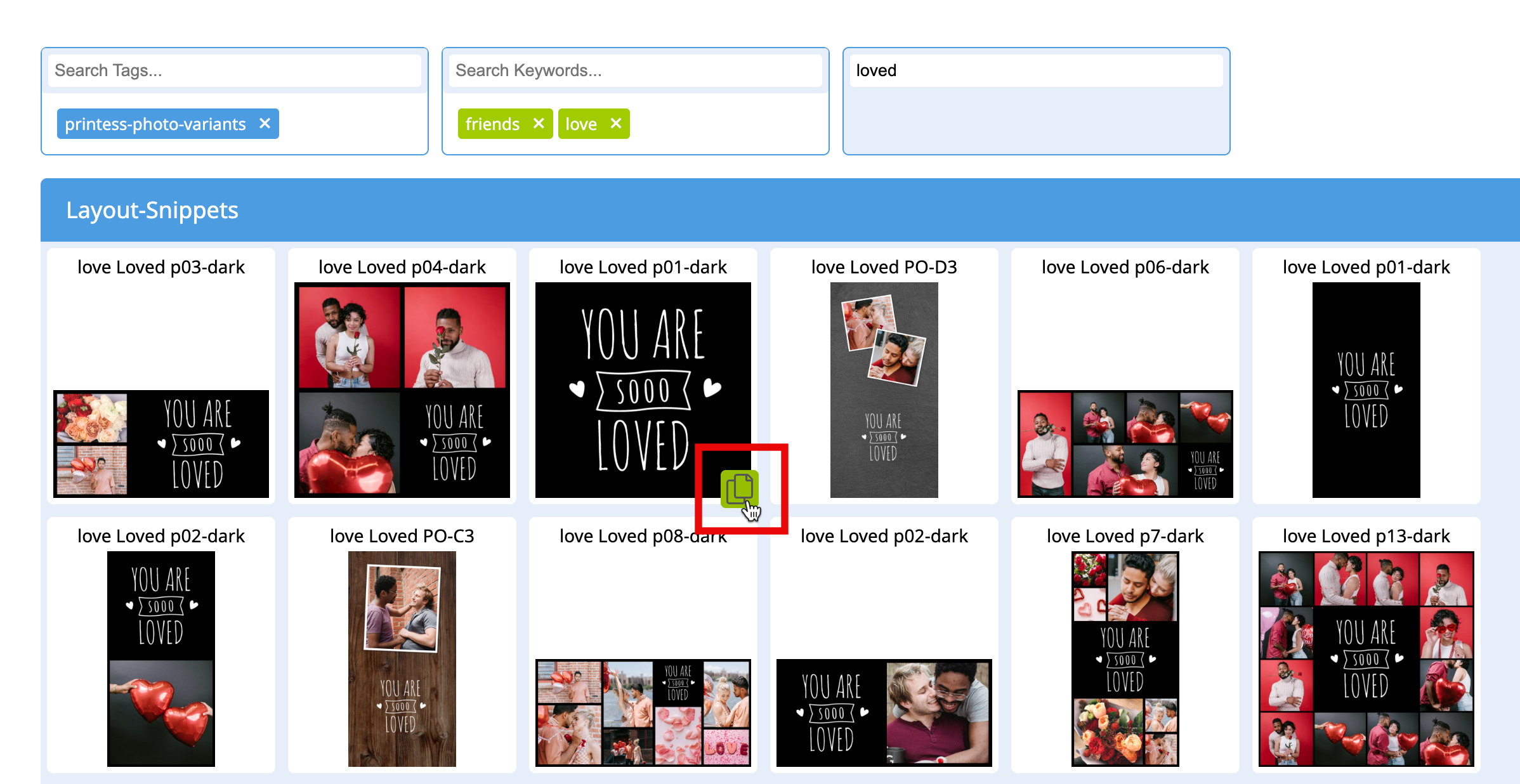
If you are filtering global Printess Layout Snippets you will only get displayed a copy icon with a mouse over. It could be used to copy the Layout Snippet ID.
If you are filtering your own Layout Snippets you can also: